
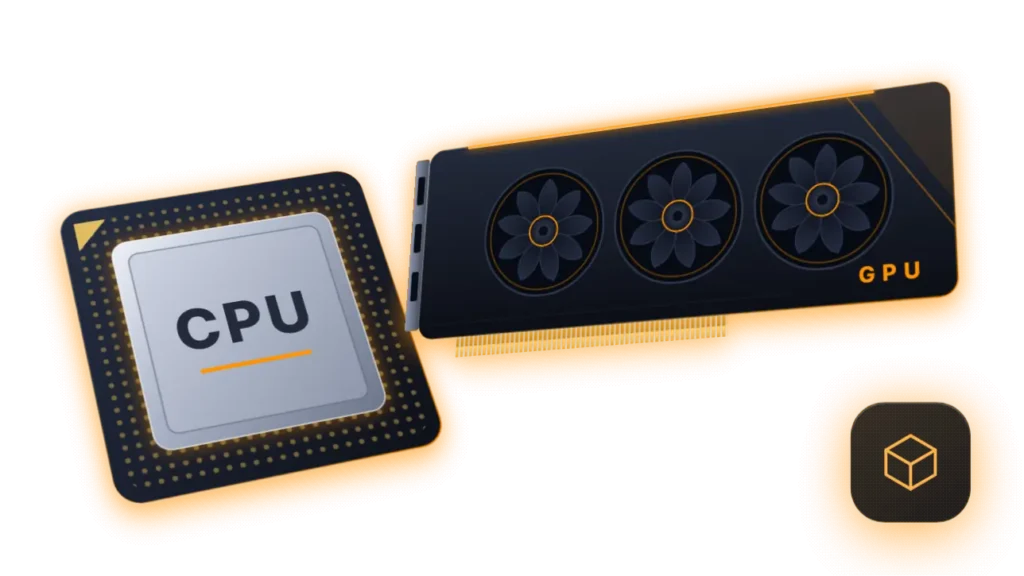
In 3D work, the CPU and GPU perform different tasks, and the division of responsibilities between them determines which processor you need. The GPU generally handles the final render and viewport, while the CPU manages scene preparation, simulation, physics, geometry processing, and, in many workflows, rendering itself. If the CPU cannot prepare the scene quickly enough, the graphics card remains idle, waiting for data. If the CPU is much faster than the GPU, the render still waits for the card. The guides on this page begin with the GPU you already own or intend to purchase and determine which CPUs are best suited for 3D rendering work.
What makes a good rendering CPU is not the same as what makes a good gaming CPU. Rendering relies far more on core count and memory bandwidth than on single-core speed because scene preparation and CPU-based rendering are divided cleanly across many cores. That is why a chip with many cores can outperform a faster gaming chip in a render, even if the gaming chip wins in a game. Memory is important too: large scenes require a lot of RAM, and a system that pages to disk during a render will become much slower than any CPU upgrade could fix. Each guide below provides three recommended CPU options for a single GPU, complete with a full build around each option, so you can see the RAM, storage, and cooling that go with the processor. Before purchasing, check whether the CPU is truly the limiting component in your system using the CPU bottleneck guide, and read how to pair a CPU and GPU for the general rules on matching a pair.
Already own a CPU and a GPU? Check your own CPU and GPU pairing in the bottleneck calculator before you buy, and compare the result with the picks on the guide for your GPU.
It depends on your workflow. CPU-based rendering and scene preparation are divided well across many cores, so more cores generally mean faster renders. GPU-based rendering relies on the graphics card instead, so the CPU mainly needs to keep the card fed. If your renders are GPU-based, a mid-range CPU with enough RAM is often sufficient.
Large scenes require a lot of memory, and 64GB is a reasonable starting point for professional work, with 128GB or more for very large scenes and heavy simulations. If your system swaps pages to disk during a render, more RAM will usually help more than a faster CPU. The RAM bottleneck guide explains how to check whether memory is your limit.
Sometimes, but it is usually not the best value. Gaming CPUs are designed for single-core speed and low latency, which helps with viewport work and scene preparation. Where they tend to fall short is core count and memory capacity for long renders. The options on these pages are selected with rendering in mind first, so they place more emphasis on cores and memory than a gaming list would.